
You open a business account with a new payment provider, type in the second number your company set up in a calling app last year, and tap “Send code.” Nothing arrives. You wait out the timer, try again, try a third time. Eventually the app tells you the number can’t be used, or it tells you nothing at all.
This is rarely a problem with your phone. Often the service looked at your number before sending anything and decided not to text it. That same check explains why a small industry of “non-VoIP numbers for verification” exists, and why most of it is a bad idea.
What happens after you tap “Send code”
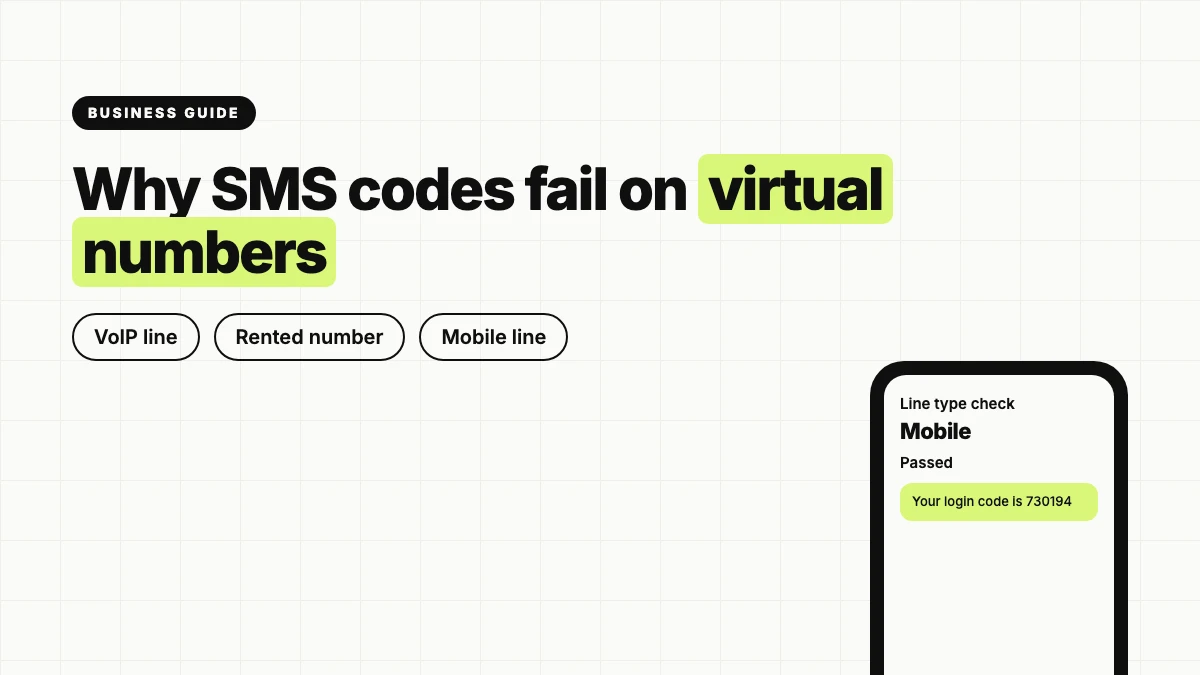
Many services run a line-type lookup on a phone number before they send a verification code. The lookup returns a plain label: mobile, landline or VoIP.
Mobile means the number belongs to a SIM on a carrier network. Landline means a fixed line. VoIP means the number lives on an internet calling service, usually inside an app.
Fraud teams often block VoIP numbers as a category, because they are cheap, disposable and rented in bulk. That makes them a natural fit for fake signups, promo abuse and account farming.
That is why Google Voice and TextNow numbers are often rejected by banks and some apps, and why app numbers such as Burner and Hushed hit the same wall. They are VoIP numbers, and the lookup says so. Google Voice has an extra catch: to get one, you need a Google account and verification against an existing US non-VoIP number. It can never be your first number, only an add-on to a real one.
The failure looks different from service to service. Some forms show an error right away. Others accept the number and never send the text, and people tend to blame their carrier first.
What “non-VoIP” actually means
In practical terms, a non-VoIP number is a number attached to a mobile subscription on a real network. It is not defined by the phone you hold or the app you read texts in. It is defined by where the number lives.
A regular SIM card, or an eSIM with a phone number, carries two identifiers. The IMSI identifies the subscription on the network. The MSISDN is the phone number itself, the digits people dial. When a service checks your number, it is asking about the line behind that MSISDN.
A common mistake: travelers buy a data-only eSIM and assume they now have a second number. They don’t. A data-only eSIM has no MSISDN, so there is nothing for a bank to text. Install a calling app on top of it and you are back to a VoIP number, with all of the problems above.
So “non-VoIP” is not a setting you switch on. Either the number sits on a mobile network or it doesn’t.
The trouble with rented “non-VoIP” verification numbers
Search for a workaround and you will find two kinds of shortcuts, both riskier than a failed signup.
The first is the public “receive SMS online” site. It lists numbers on a web page, and texts sent to those numbers appear for anyone to read. Anyone watching the same page can request a login code for an account registered with that number and take the account over. You are not borrowing a number. You are sharing it with strangers.
The second is the cheap one-time verification service, often advertised as selling “real non-VoIP numbers.” Whether or not a number passes a lookup, the real issue comes afterward. These services use recycled number pools. You rent a number for a few minutes, receive your code, and the number goes back into the pool. The next user can receive your codes, including a password reset for the account you just created.
A verification number is not only for the first login. Many services send a fresh code when you sign in from a new device, change a password or trip a security check. If the number is gone, so is your way back in, and someone else holds the key.
The rule of thumb is simple: never attach an account you care about to a number you don’t control.
Options that actually work
If you want a number that passes a lookup and stays yours, the list is short.
- Your existing carrier line. Boring, but it is already a mobile number and you already control it. For banking and government accounts it is usually the right answer.
- A prepaid SIM from a carrier. A second carrier line gives you a mobile number on a real network. In the US and the UK there is no SIM registration law for prepaid SIMs.
- An eSIM with a phone number. It carries an MSISDN on a mobile network, so it takes calls and SMS like any other line, and it installs on the phone you already own.
Most recent phones support dual SIM, either a physical SIM plus an eSIM or two eSIMs. A common travel setup: keep the home line active for bank codes and calls, and put data and a second number on a travel eSIM.
Some providers sell eSIMs with numbers without asking for an account, an email or an ID at checkout. Cypher eSIM is one example. Its numbers run on a mobile network rather than inside an app, and a plan bundles calls in both directions, SMS and data on one eSIM. If you are weighing this for the US specifically, this guide to a US eSIM with a phone number shows how the setup looks in practice.
Three checks before you commit
A mobile number fixes the line-type problem, not everything else.
Where the number is from. The country of a number matters to some services. Look for it on the plan before you buy. Some eSIM plans come with a local number for the destination, while a European plan might carry a French +33 number.
How long it lasts. An eSIM number tied to a time-boxed plan lasts as long as the plan, which makes it a good tool for a trip or a project and a poor choice for an account you will need to recover years from now. Match the number to the lifespan of the account.
What you will use it for. No provider can promise that a specific bank or app will accept a specific number. Passing a lookup removes one common reason for rejection, but banks and apps run their own checks on top. Keep your main carrier number on file with your primary bank. Use the second line for things you would rather not tie to it: supplier portals, marketplace listings or the signups a small business wants kept apart from its owner’s personal life.
FAQ
Is a non-VoIP number guaranteed to receive every verification code? No. It clears the line-type check that trips up virtual numbers, but each service still applies its own rules on top.
Can I make my Google Voice number pass as non-VoIP? Not really. Google Voice numbers are VoIP, and setting one up already requires an existing US non-VoIP number. If a service rejects it, you need a number on a mobile network.
Does a data-only eSIM give me a number for SMS codes? It doesn’t. A data-only eSIM has no MSISDN, so there is no number to text. You need an eSIM that includes a phone number.

Doris Pollard, a mesmerizing wordsmith and experienced blogger, crafts narratives that carry readers into unexplored realms. Infused with insightful perspectives and vibrant storytelling, Doris’s mastery of language captivates both hearts and minds, making an enduring impression on the literary landscape.
Check out: https://kassetaua.com/ – всегда нахожу то, что ищу. [jftv]