
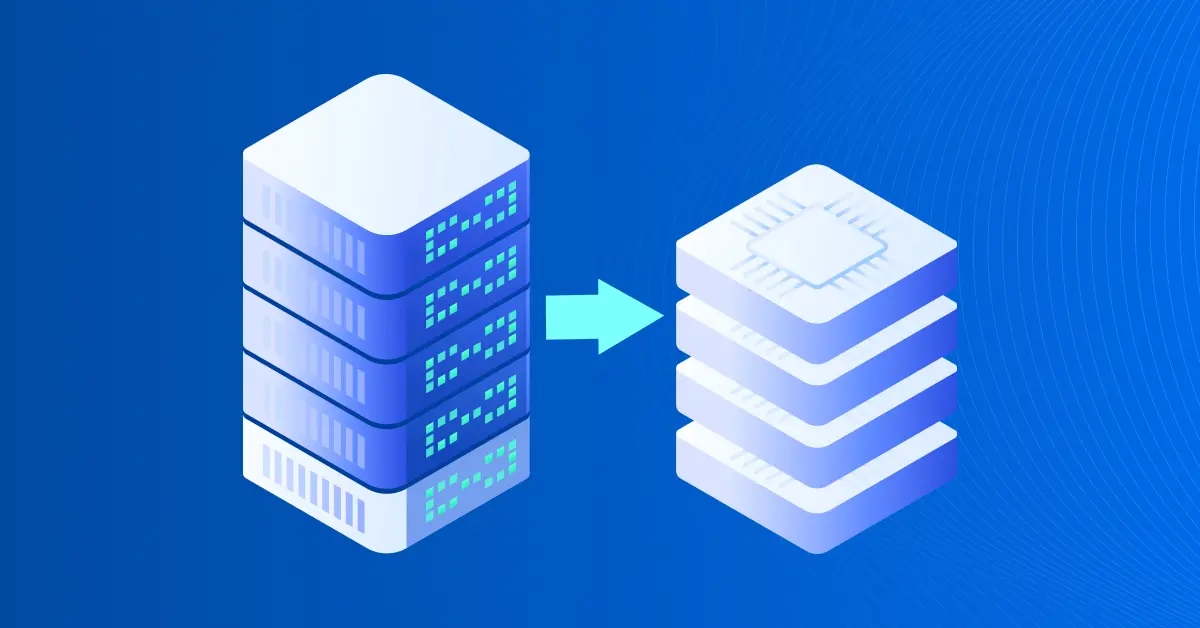
Many UK small businesses still run critical workloads on ageing physical servers — accounts, shared files, an older line-of-business application. When disks start failing, parts become scarce, or power and heat become a problem, physical-to-virtual (P2V) migration onto Proxmox VE is often the cleanest path: same software, newer shared hardware, fewer single points of failure.
This guide is for owner-managers and the person who “does the IT” — what P2V means, when it fits, and how to sequence the work without a week of downtime.
What P2V means in practice
Physical-to-virtual means taking a copy of the old server’s disk, turning it into a virtual machine, fixing drivers and networking, and letting users run the same stack on a Proxmox host (or small cluster). The business keeps trading; the single failing tower stops being the only copy of reality.Related path:
if your estate is already on VMware ESXi rather than bare metal, that is a hypervisor-to-hypervisor job, not P2V. Specialists such as Proxmox Migracje document both paths; this article stays on physical boxes that never got virtualised.
Why UK SMEs are looking at this now
- Hardware end-of-life — decade-old servers fail; replacements are slow or expensive
- Power and space — fewer humming boxes means less heat in rooms that were never plant rooms
- Availability — on a small Proxmox cluster a VM can restart on another host; a lone tower cannot
- Backups — snapshots and offsite copies become realistic once the workload is a VM
A sensible small-firm P2V sequence
- Document what the server does — software, owners, IP, disk usage, restore expectations
- Build a Proxmox target — even one solid host to start, with a plan for a second if you need failover
- Image the disk while the business can afford a quiet window
- Boot as a VM and sort VirtIO / network so Windows or Linux is happy on virtual hardware
- Test with real users — payroll or bookings, not only a ping
- Cut over and leave the old machine powered off (not wiped) until you trust the new world
Honest answers to common questions
Will we be down for days?
Not if you prepare. Most work happens while the old machine still runs. Cutover should be a short, planned window — evening or weekend — not a week of chaos.
Is open source too risky for invoices and client files?
Plenty of production workloads run on Proxmox VE. Risk lives in backups and planning, not in whether the licence PDF came from a multinational.
What if it goes wrong?
That is why the physical box stays intact until sign-off. Rollback is turning the old machine back on.
Technical details that surprise first-timers
Windows guests often need VirtIO storage drivers before they boot cleanly on a virtual disk. Linux guests need the right modules in the initramfs. Networking usually means re-applying a static IP because the virtual NIC is “new.” None of this is exotic; skipping it is how a Saturday project becomes a Monday outage.
Good P2V candidates vs leave physical
- Good: file/print, older line-of-business apps, internal web tools, databases not welded to a dongle
- Careful: software locked to a motherboard ID, odd appliances, anything the vendor forbids virtualising
- Sometimes leave: industrial controllers and specialty kit happier on bare metal
When to stop DIY and bring specialists
One quiet file server is a brave weekend. A room of production databases, domain controllers and hardware-tied applications under a Monday-morning deadline is not. That is when end-to-end physical server migration services earn their keep — imaging, drivers, cutover, and a restore you have seen work — so consolidation shows up as lower cost and fewer overnight emergencies, not as an outage story.
Four questions before you approve the spend
- If that server died tonight, how long until you are trading again?
- What does three years of keeping it cost versus a small Proxmox host (power included)?
- Is there a non-critical machine you can pilot first?
- Who signs off that “payroll / bookings still works” after cutover?
If VMware is in the picture too
Some firms have both: a neglected physical box and a small ESXi host they are tired of renewing. Sequence it: prove Proxmox with a pilot P2V, then fold VMware VMs across with the same backup habits. One tidy estate beats two half-finished projects.
Bottom line
P2V onto Proxmox VE is ordinary infrastructure work for UK SMEs: reduce hardware risk, improve backup realism, and stop treating a single ageing tower as the business continuity plan. Plan the window, test with real users, keep rollback until sign-off — and escalate to specialists when the estate is denser than a weekend DIY allows.
Backup and restore as part of the project — not an afterthought
Before you power down the physical machine for good, prove that the new VM restores. That means at least one full backup job on Proxmox (or your chosen backup tool), one file-level restore, and — for anything that holds money or client data — a smoke-tested application restore. Owners often skip this because “the disk image already worked once.” The point of P2V is not a one-time boot; it is a maintainable platform. If restore is unproven, you have only moved the risk onto a prettier host.
Document retention in plain language: how many daily copies, how many weekly, where the offsite copy lives, and who is allowed to delete backups. Small firms get ransomware too. A P2V project that leaves backup ownership vague is unfinished work.
Sizing the first Proxmox host honestly
Undersizing RAM is the most common DIY mistake. Measure peak RAM and disk I/O on the physical box for a normal busy day, then add headroom for snapshots and a second VM if you plan to consolidate. CPU cores are usually abundant on modern hardware; memory and storage latency are what users feel. If you expect to add a second host later for HA, buy networking and shared or replicated storage with that in mind — retrofitting cluster networking after the first cutover is messier than planning it once.

Doris Pollard, a mesmerizing wordsmith and experienced blogger, crafts narratives that carry readers into unexplored realms. Infused with insightful perspectives and vibrant storytelling, Doris’s mastery of language captivates both hearts and minds, making an enduring impression on the literary landscape.